
How to Make a Party Viral Dance AI Video (Step by Step)
Put yourself, a friend or anyone who agreed into the viral party dance from one photo: every step with screenshots, what it costs and tips for a good result.
Oct 25, 2026
The party viral dance is the clip everyone keeps sending: a man with long curly hair, a big moustache and a shiny purple jacket sways past the clapping guests of a banquet hall, walks the floor, then jumps all over it. The trend is to put someone else in his place. With the Party Viral Dance AI Generator that takes one photo and a few minutes: the AI swaps only the dancer and keeps the hall, the guests, the camera and the song. Below is every screen you will see, with real screenshots.
1. Open the generator
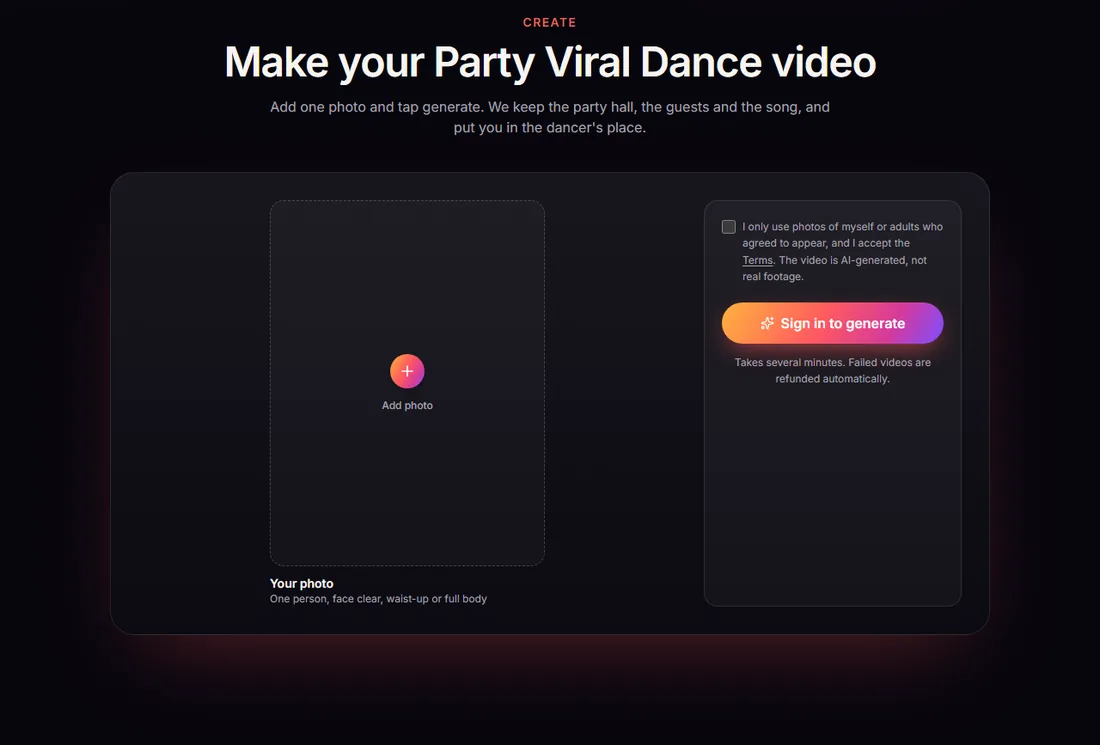
Go to partyviraldance.com and scroll down to Make your Party Viral Dance video, or click Create video at the top. There is one photo slot, a consent box and the button. Before you have signed in, the button says Sign in to generate.
2. Sign in
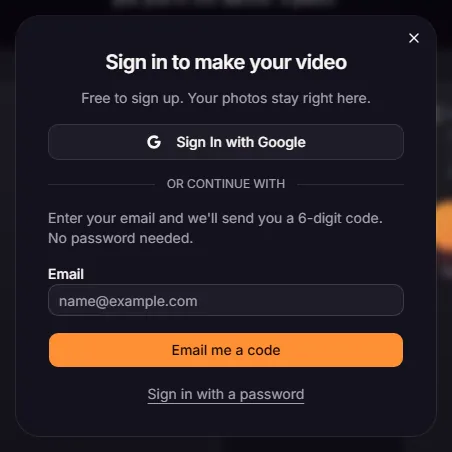
The sign-in window opens right on the page. Use Google, or type your email and enter the 6-digit code we send you; there is no password to make up. Your videos are tied to this account.
3. Buy videos
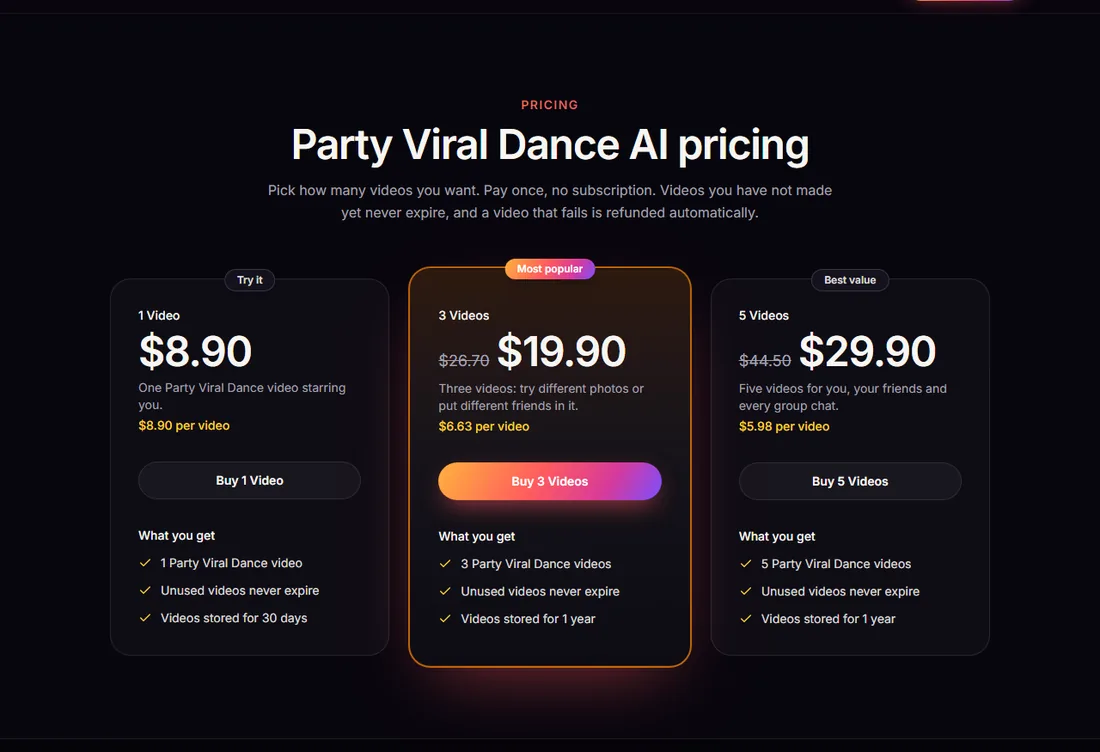
Videos come in one-time packs. There is no subscription, and videos you have paid for but not made yet never expire. Every video is the same 12-second, vertical 9:16 clip with the original song:
| Pack | Price | Per video | Kept in My videos |
|---|---|---|---|
| 1 Video | $8.90 | $8.90 | 30 days |
| 3 Videos | $19.90 | $6.63 | 1 year |
| 5 Videos | $29.90 | $5.98 | 1 year |
4. Add one photo
Back in the generator, add one photo of one person. What gives the best result:
- Full body, or at least down to the waist. The dancer walks the whole floor, so the AI needs to see how you are built and what you wear.
- Face clearly visible, no sunglasses, decent light.
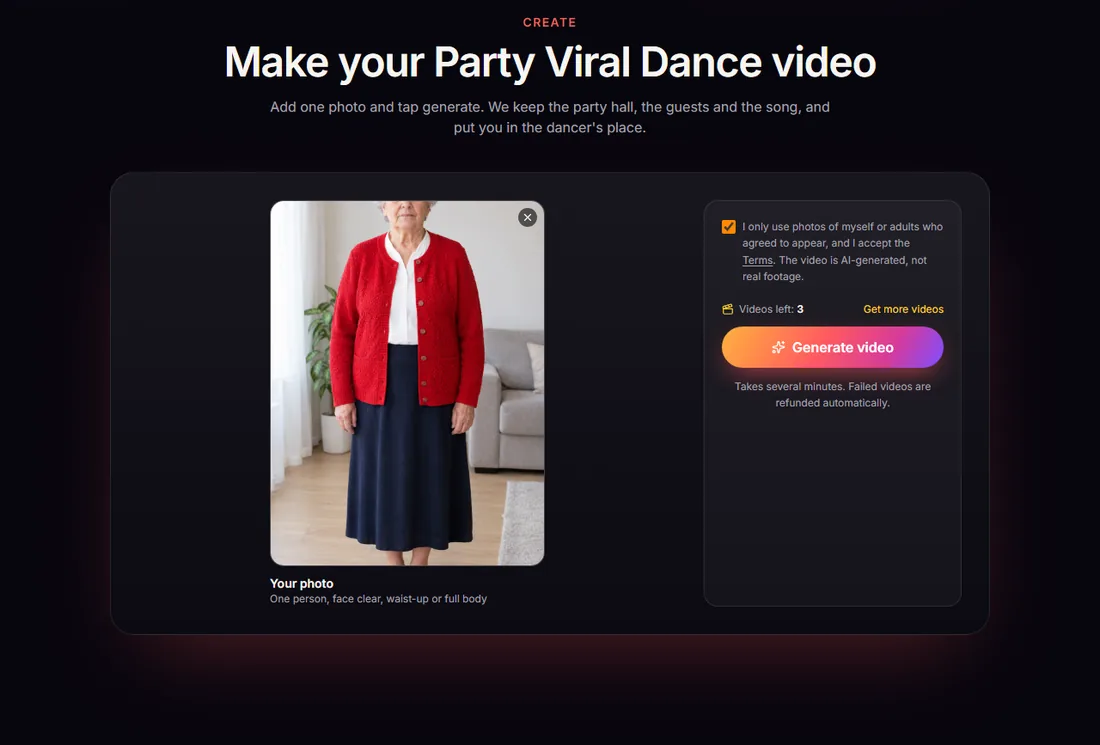
- An outfit worth seeing: the AI keeps your clothes, so a red cardigan or a suit reads well on the dance floor.
- Someone unexpected. The funniest versions star a person nobody would picture dancing like that, like a grandma.
JPG, PNG or WebP, under 8 MB. Then tick the box confirming the photo shows you or an adult who agreed to it. Photos of celebrities, public figures or minors are not allowed.
5. Generate
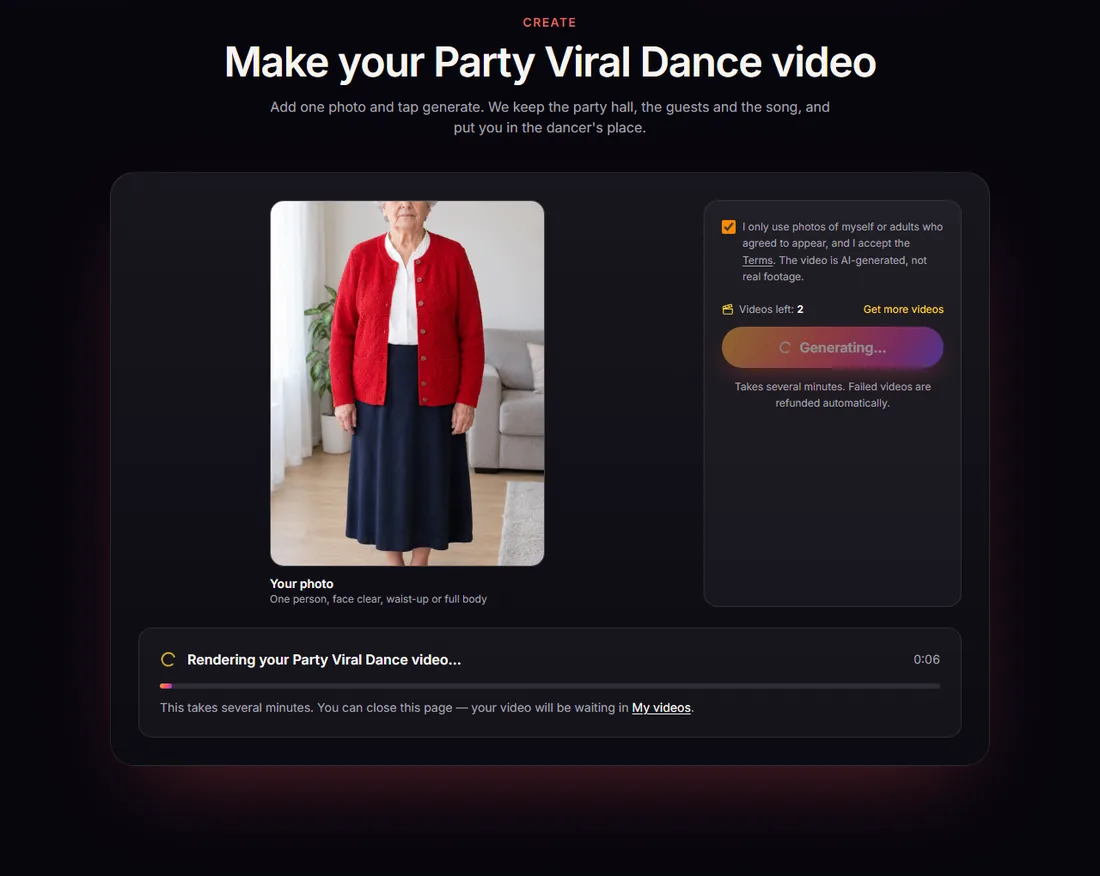
Click Generate video. One video from your pack is used when it starts, and rendering takes a few minutes. You can close the tab: the video keeps rendering, lands in My videos and we email you when it is ready. If a render fails, the video goes back to your account automatically.
6. Download and post
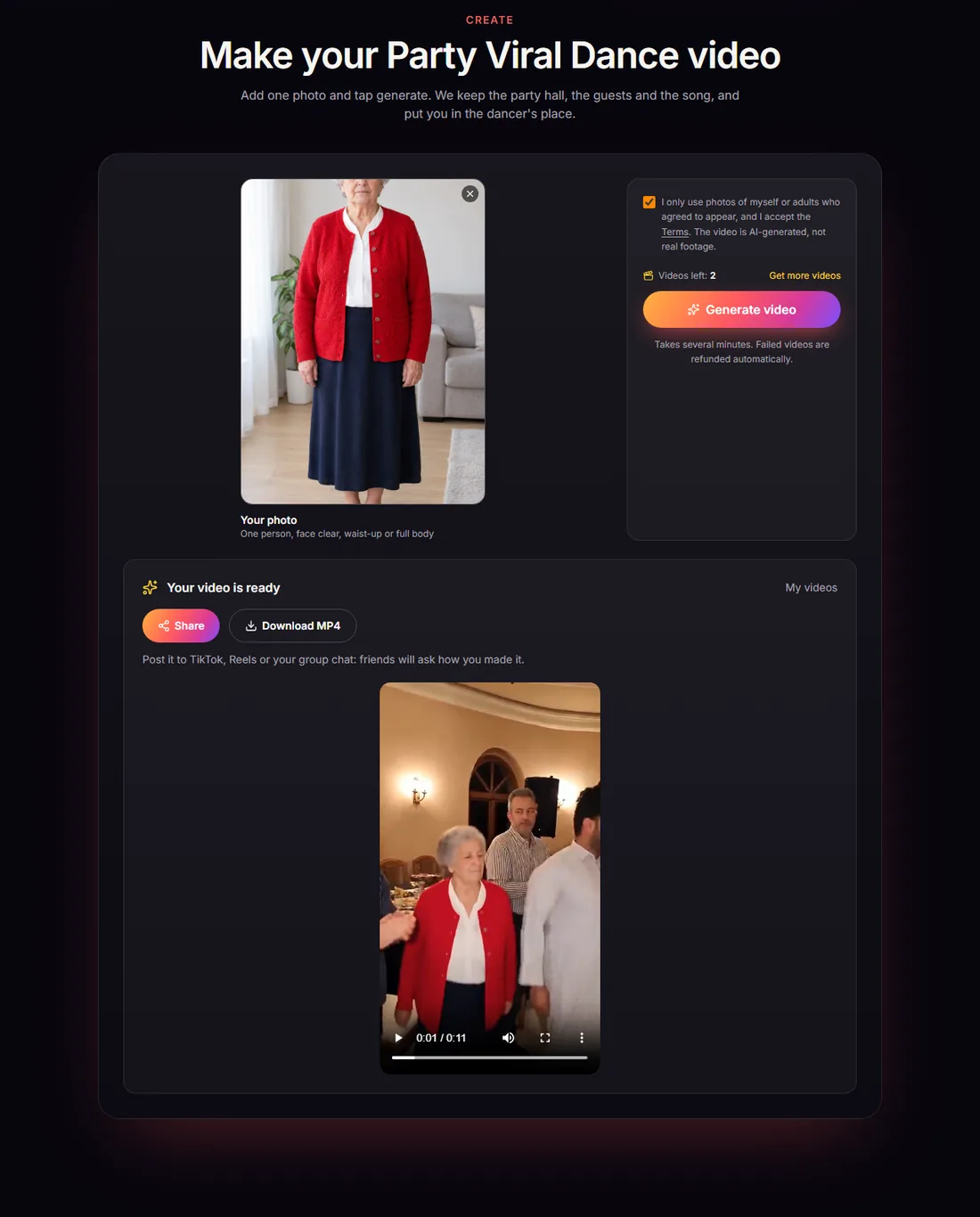
When it is done, the video plays right under the generator. Tap Download MP4 to save it, or Share to send it straight from your phone. You get the full 12-second, 9:16 clip with the original song, ready for TikTok, Reels or Shorts. Turn on the platform's AI-generated label when you post.
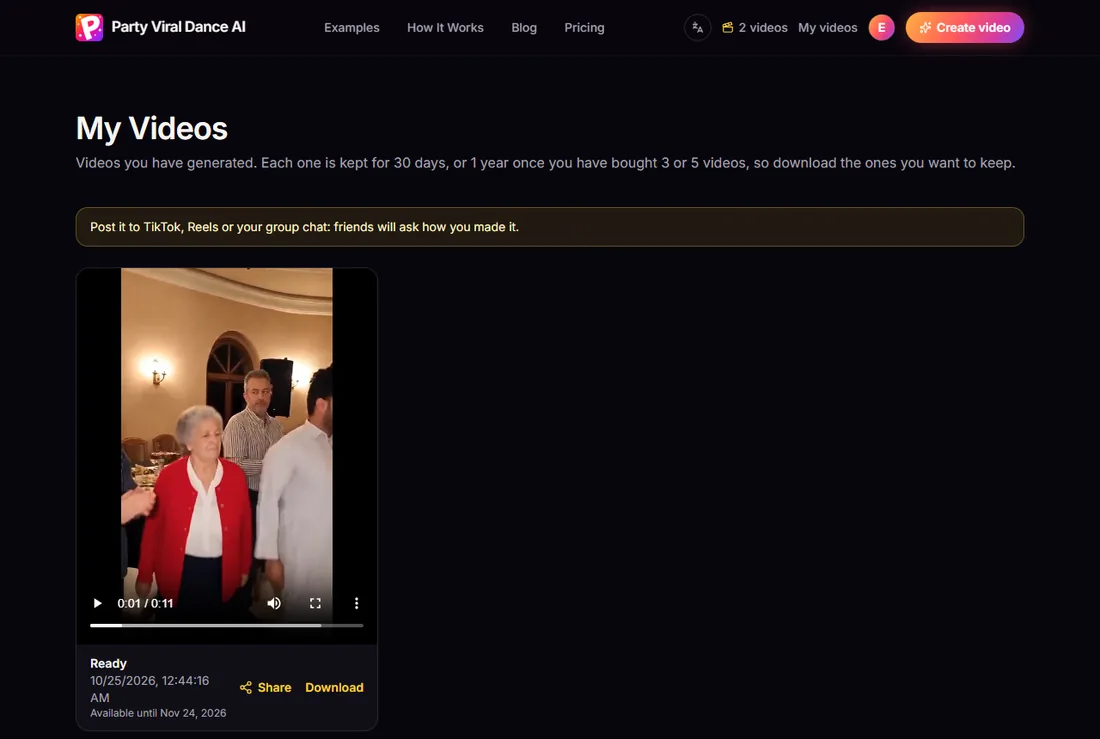
Every video you make is also kept in My videos, where you can watch, share and download it again.
What to expect
- Only the dancer changes. The banquet hall, the clapping guests, the camera moves and the song are the ones from the original clip.
- The face is closest when the photo shows it straight on; in fast turns and jumps it can drift a little.
- Every video is made for phones: vertical 9:16, ready for TikTok, Reels and Shorts.
Curious where the clip comes from? Read about the party viral dance trend. Ready to make yours? Open the generator or check pricing first.
Make your Party Viral Dance video
One photo in, the 12-second party dance out, with the original song.
Open the generator